Contact Us
Do you have a question, a suggestion, or are interested in scheduling a group tour? Let us know!
Email: Innovation.Creation@Tulsalibrary.org
Phone: 918-549-7642
Hours of Operation
Monday-Thursday: 10 a.m. to 7 p.m.
Friday*: 10 a.m. to 5 p.m
First Saturdays: 10 a.m. to 4 p.m.
*Closed on the first Friday of the month and for programs and events
Orientations
Orientations for the H.A. & Mary K. Chapman Foundation Maker Space are on select Mondays and Saturdays at 11 a.m. and Wednesdays at 5:30 p.m. To check the schedule and register for a class, please visit the events page.
Reserve Equipment
Want to reserve equipment online? Follow the link below to reserve a session!
*Orientation must be completed before booking. Appointments made without attending an orientation will be cancelled.
Online Learning Resources
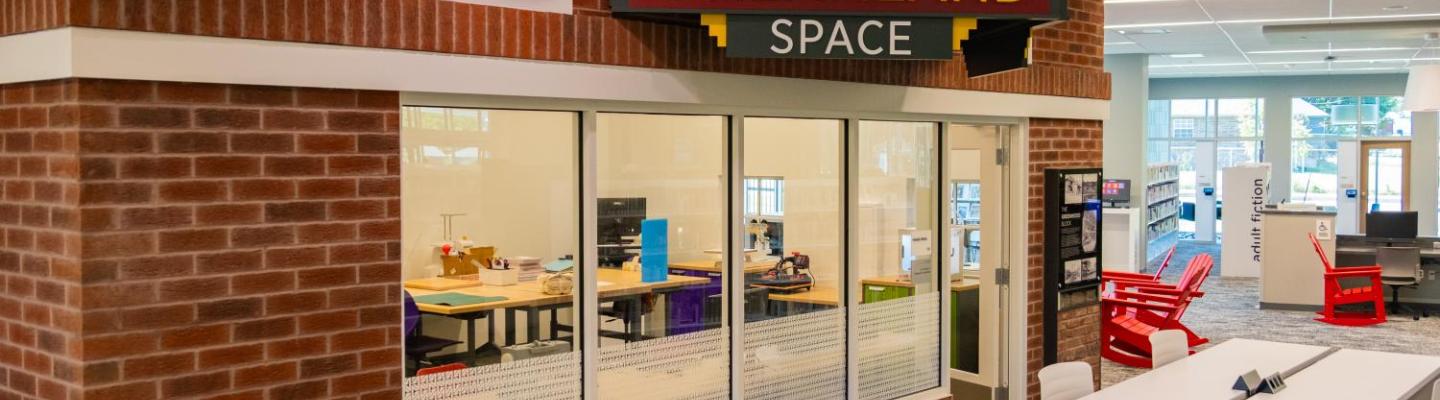
Located at the Rudisill Regional Library at 1017 N. Greenwood Ave., the H.A. & Mary K. Chapman Foundation Maker Space is a hands-on, creator-focused working space for the people of Tulsa County. With a special emphasis on print making, the Maker Space provides our visitors with a place to work on their next great idea, develop a new skill, or learn a new hobby in a supportive environment.
Want to learn how to play the guitar, create a music track with Logic Pro, or learn 3-D modeling? That and many more can be discovered through the library's online learning resources. Check out both LinkedIn Learning and ArtistWorks and sign in with your card number and password to get started!
3D Printer
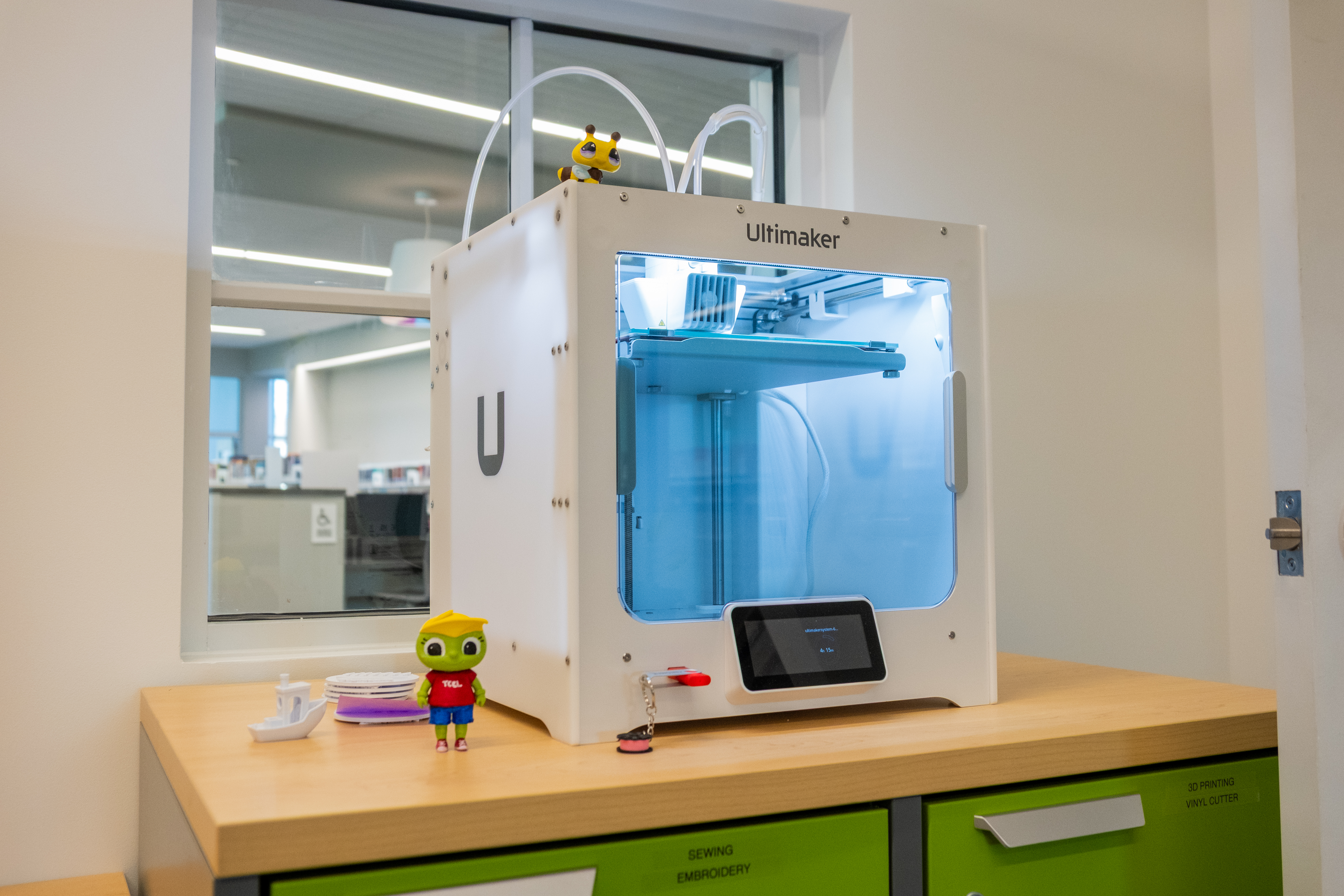
- Build volume: 230 x 190 x 200mm (9" x 7.4" x 7.9")\
- Filament diameter: 2.85 mm
- Nozzle diameter: 0.4mm
- Costs: $0.10 per gram, or bring your own
- Software: Cura (slicer), most CAD software accepted. The Maker Space currently only uses cloud-based design programs at this time, such as TinkerCAD.
- File type: STL, OBJ, 3MF, UFP
Vinyl Cutter
Silhouette Cameo Pro MK-II
Cameo Pro user manual
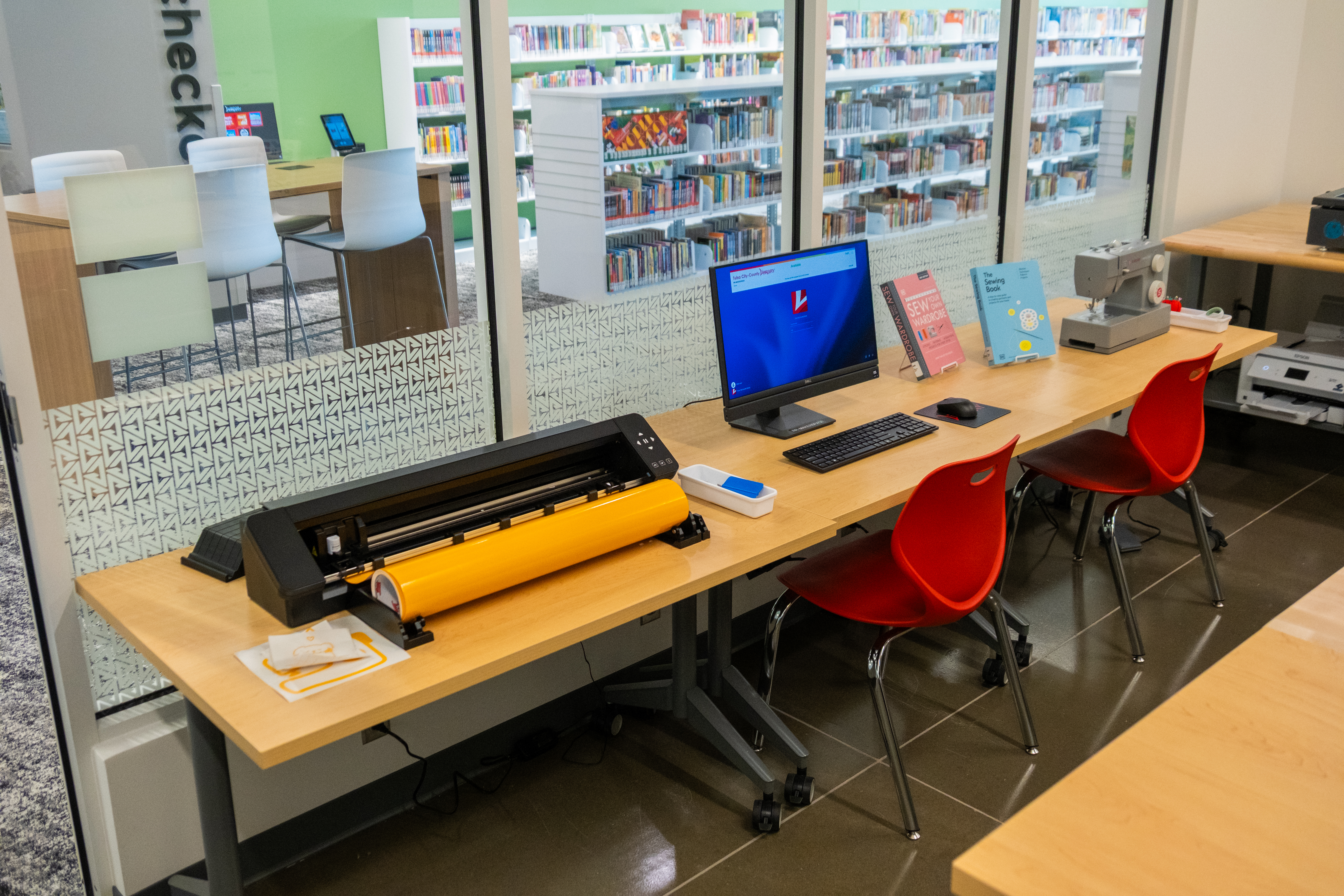
- Maximum cut area: 24 in. x 24 in. with a cutting mat, 24 in. x 10 ft. with lined media
- Maximum Media Thickness: 3 mm
- We carry standard vinyl,
- Costs: $0.50 per sq ft
- Software: Silhouette Studio
Embroidery
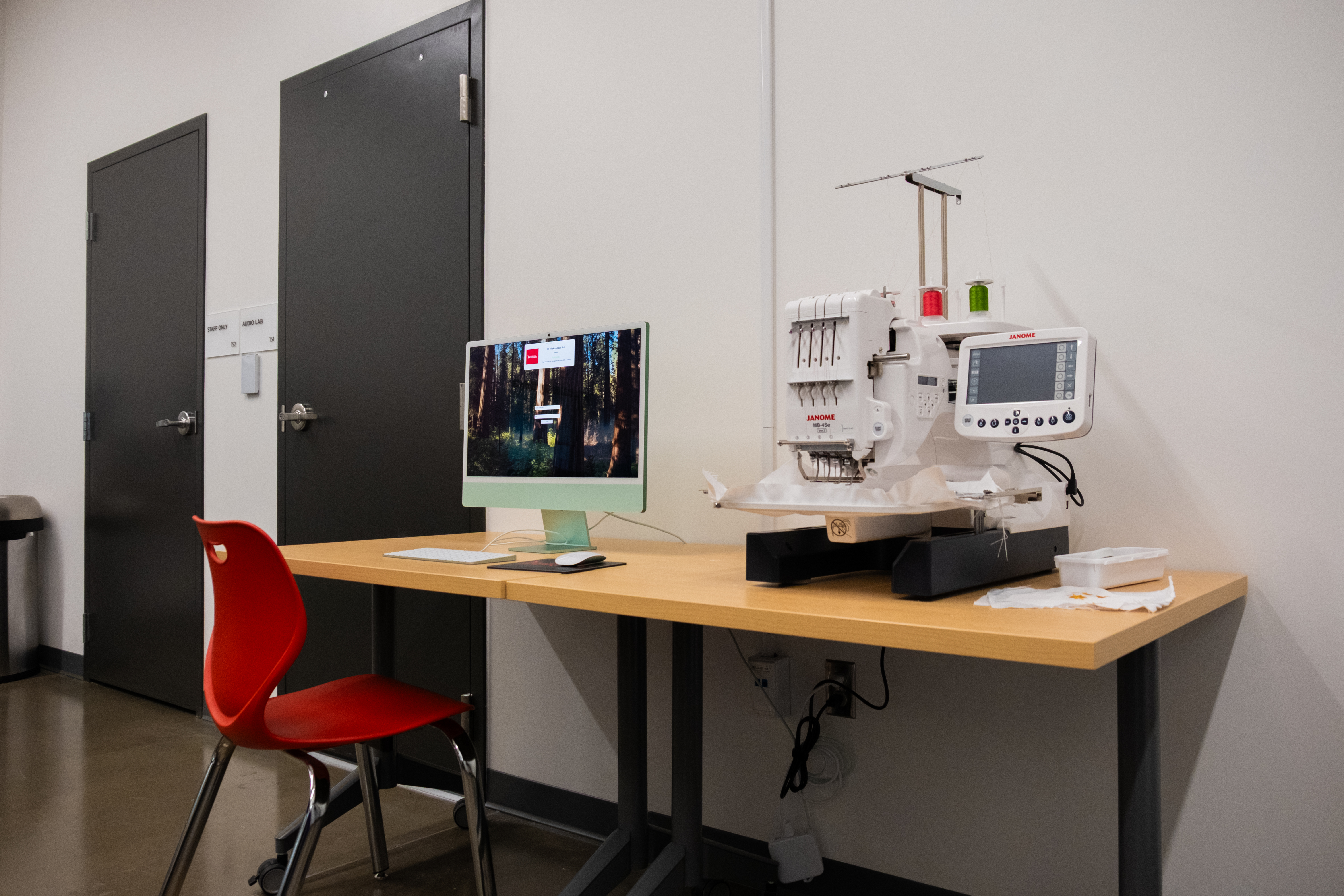
- Single Head Four needle professional-style embroidery machine
- 50 built-in designs
- 10 fonts for monogramming
- 2 and 3 letter monogramming
- Standard Hoops: M1: 9.46” x 7.88” , M2: 5” x 4.3”, M3: 50mm x 50mml
- Costs: $1.00/10,000 stitches, or bring your own thread
- File type: .EPS, . PHC, .DST
Sewing Machines
Singer 4411 Heavy Duty Sewing Machine
- 11 built-in stitches
- 4-step buttonhole
- Drop in bobbin
- Adjustable stitch length
- Presser foot
- Auto-reverse
Screen Printing
The H.A. & Mary K. Chapman Foundation Maker Space offers two screen printing techniques: Vinyl Screen Printing and Traditional Screen Printing.
Vinyl Screen Printing
- Squeegees
- Screen-printing screens
- Water-based ink
- Heat press and Hat Heat press
- Costs:
- Vinyl: $0.50/per sq foot
- Additional ink/prints: $1.00/per 5 prints
- Customers may bring their own ink at no printing cost
Traditional Screen Printing
- Workhorse Products Lumitron LED Exposure Unit
- Squeegees
- Screen-printing screens
- Water-based ink
- Heat press and Hat Heat press
- Costs:
- Coating: $2.00/per screen (includes 5 prints)
- Additional ink/prints: $1.00/per 5 prints
- Customers may bring their own ink at no printing cost
- To use traditional screen printing methods, you must attend a designated screen printing orientation offered at the H.A. & Mary K. Chapman Foundation Maker Space. You can browse upcoming orientations at tulsalibrary.org/events.
- Traditional Screen Printing is a multi-day process and reservations must be confirmed with 48-hour notice to ensure screen availability.
Audio Lab
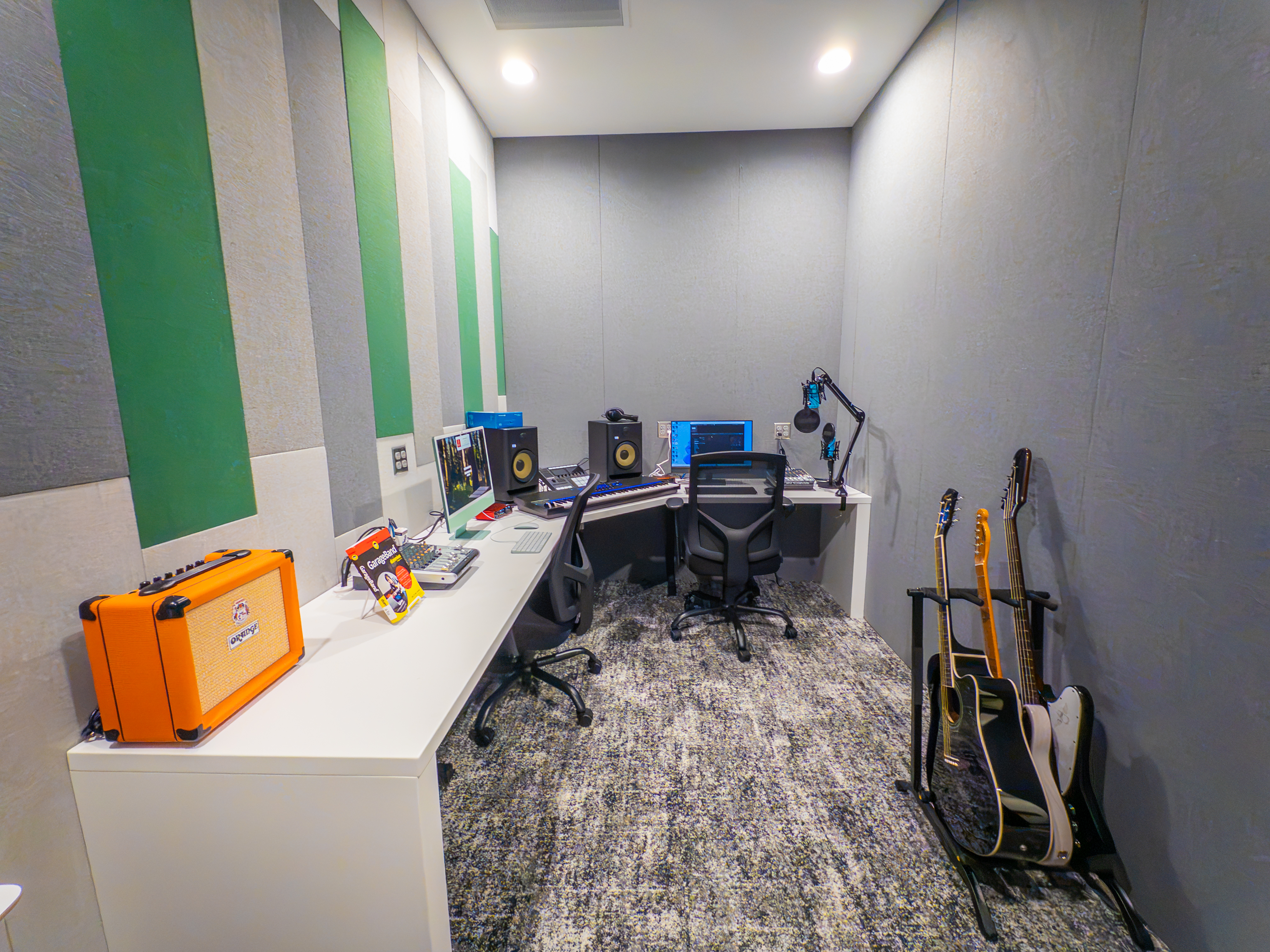
Our Audio Lab is a dedicated room located within the Maker Space for customers with any audio recording needs. From recording voice-overs and narration, to music production and mixing, we carry some of the most popular and modern recording equipment and software. All that's needed to get started is scheduling a brief orientation with staff by contacting the Maker Space. Below is a brief listing of some of the software and equipment that the lab provides. For more specific information, including tutorials and general operational use, click on the title of the product below.
Recording Software:
Equipment:
Musical Instruments:
What is a Maker Space?
A "maker space" is generally used to describe any place where those interested in crafting, design, technology and any other creative pursuits can work on their projects, either by themselves or as a group. As public libraries always have been institutions of learning at their core, we felt extending that philosophy through additional opportunities was important, and the Maker Space is one of the many ways that we can continue to do that.
What can I do in the Maker Space?
That largely depends on where your interests lie and what you’re trying to accomplish. You may have that next great idea and need a place to plan out and prototype your invention using one of our 3D printer. Maybe you’re in theater and want to make your own costume using our sewing machines. Or you could just want to learn a new hobby that you’ve thought about but never really pursued for various reasons. In the end, it’s up to each person to decide what he/she wants to create in our Maker Space, and we want to give our community those opportunities.
Is there a cost to use the Maker Space?
There is no cost for the space itself or the use of equipment, though the majority of materials must be provided by our customers with few exceptions. We can, at the very least, point you in the right direction where you can obtain what you need either through online vendors or local businesses. You may have something lying around the house or stuffed in the back of your closet that you could put to use!
Materials available for purchase include:
- Button Maker - $0.10 per button
- Embroidery Thread - $1 for every 10,000 stitches
- Embroidery Stabilizer - $0.10 per sheet
- Permanent vinyl - $0.50 per square foot
- PLA filament - $0.10 per gram
- Sublimation Printer - $0.50 per page
- Traditional Screen Printing - $2 per screen (includes emulsion coating and 5 prints)
- Screen printing ink - $1 for every 5 prints
How do I get an appointment to use the equipment?
The orientations are structured throughout the month on a schedule. To register for an orientation, please review the Tulsa City-County Library event calendar and select "H.A. & Mary K. Chapman Foundation Maker Space". An orientation will cover the policy and guidelines of the space and include a short demo at the end for a different piece of equipment each week. Once you've attended an orientation, you'll be able to request self-guided sessions on equipment for your project.
If you need additional guidance on starting your project after orientation, we offer Start-Up sessions. During this time, a member of staff would provide basic guidance on how to get your project started. After your orientation you can "Check Out" appointment time with equipment using your library card. Please take into consideration that those who schedule an appointment always will take precedence over walk-ins.
Are there any time limits in the Maker Space?
Generally, you're granted at least two hours of work time if you make an appointment in advance. This allows all users the opportunity to gain access; though if no one else is scheduled for the equipment you're using, you may request to be allowed additional time. This is solely left to the discretion of Maker Space staff.
Are there limits on what I can make?
We don't want to limit your creativity, but there are a few guidelines you must follow when using the space.
- No guns or weapons are allowed in library buildings, and guns, weapons, and their components may not be created in library maker spaces.
- Users will respect any and all copyrighted, trademarked, or patented materials while working within the Maker Space.
- Users will not create anything obscene or otherwise inappropriate for a public library environment.
- Users will not create anything that is unsafe, harmful, or poses a direct or immediate threat to the safety and well-being of others.
- Users will not create anything that is prohibited by local, state or federal law.
I have an idea that I'd like to try out but I don't know where to start. Can someone teach me?
As the Maker Space is a self-directed workspace, staff will endeavor to provide you with all the resources that the library has at its disposal to assist you with your work, including basic instructions in some of the resources we offer. That being said, it is the responsibility of all our customers to learn how to use said resources and develop their own project ideas.
Files & Ideas
Looking for ideas and inspiration or are not sure what can be done with the equipment? These sites can show you some of the possible projects you can start after completing your orientation!
3D Printing
Some of these sites will contain free and paid files.
- Thingiverse - Free
- Cults - Free, Paid
- Printables - Free
- MyMiniFactory - Free, Paid
- PinShape - Free, Paid
Vinyl Cutter
Learning
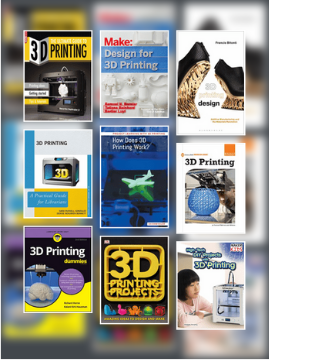 3D Printing Tutorials and Resources
A list of resources for learning about 3D printing and 3D modeling, as well as some awesome inspiration!
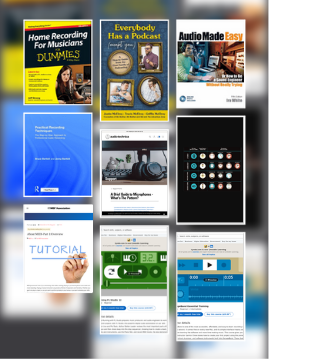
Audio Lab Tutorials and Resources
Some basic info on how to get started with the fun and powerful software and hardware available in the Maker Space Audio Lab! You can access online learning options like LinkedIn Learning for free using your Library credentials!
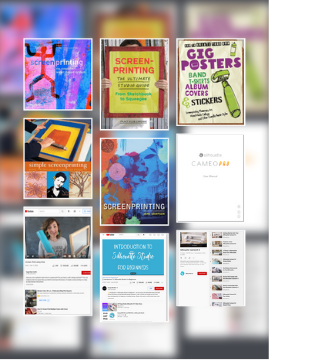 Screen Printing & Vinyl Cutter
Some helpful resources to getting started with screen printing at TCCL Central Maker Space!
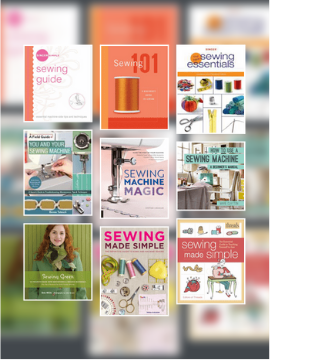 Sewing Machines
A handy guide on getting started with our sewing machines, along with project inspirations!